OpenCode
在 OpenCode 中使用 ZeoAPI 文本模型进行 AI 编程。
安装 OpenCode
- 使用
curl安装 OpenCode
curl -fsSL https://opencode.ai/install | bash
- 使用
npm安装 OpenCode
npm i -g opencode-ai
更多信息请参考 OpenCode 官网
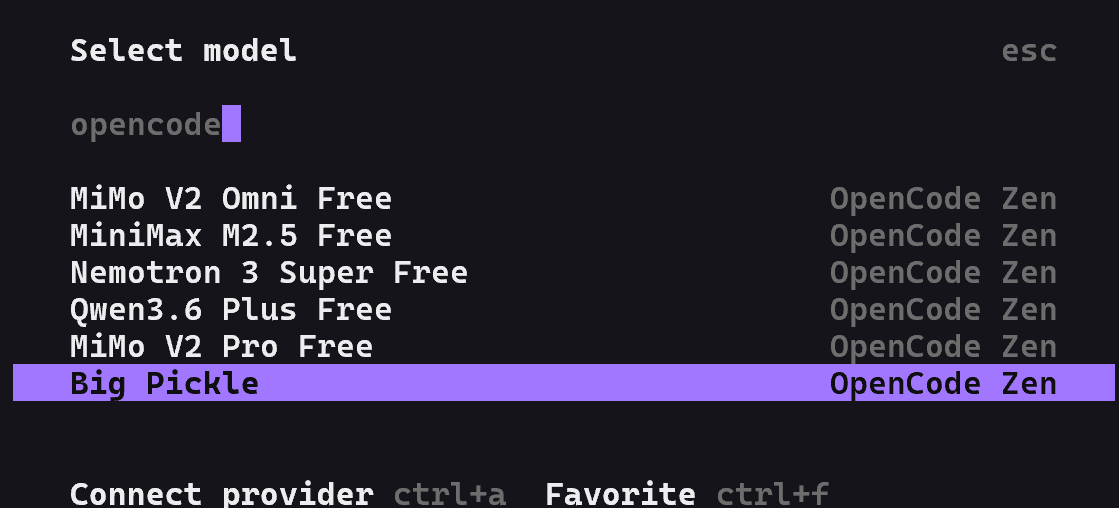
使用内置免费模型
OpenCode 提供了内置的免费模型,无需配置即可直接使用。
配置 ZeoAPI API
CC-Switch 是一个便捷的桌面工具,可以快速切换 OpenCode 等 CLI 工具的 API 配置。
安装并启动 CC-Switch
参考 Claude Code 文档中的 CC-Switch 安装说明 完成安装。
添加 ZeoAPI 配置
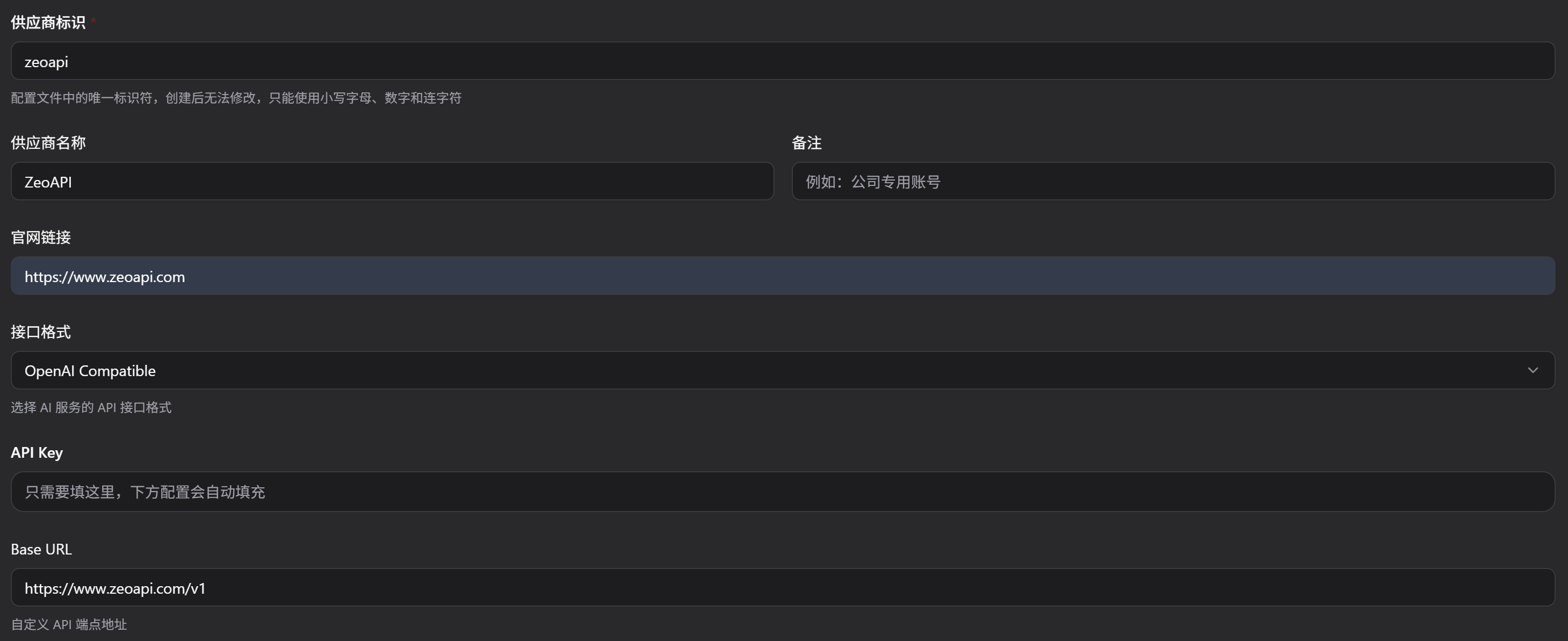
启动 CC-Switch,点击顶部的 OpenCode 标签页,然后点击 「添加供应商」,选择预设的 ZeoAPI 供应商,填写您的 API Key。
配置模型
将模型名称改为您要使用的模型,完成后点击 「添加」。

启用配置
回到主界面,点击 「启用」 或通过系统托盘直接切换。重启终端后生效。
运行认证命令
opencode auth login
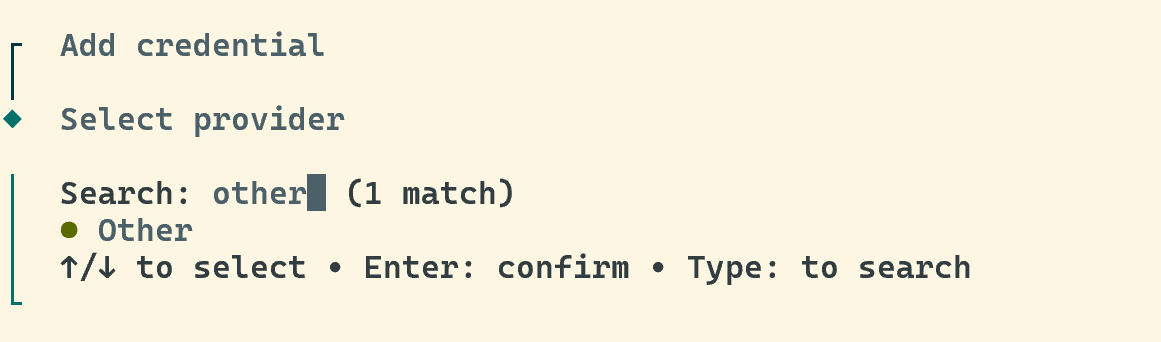
选择 Provider
当提示选择 provider 时,选择 Other 模型提供商。
输入提供商名称和 API Key
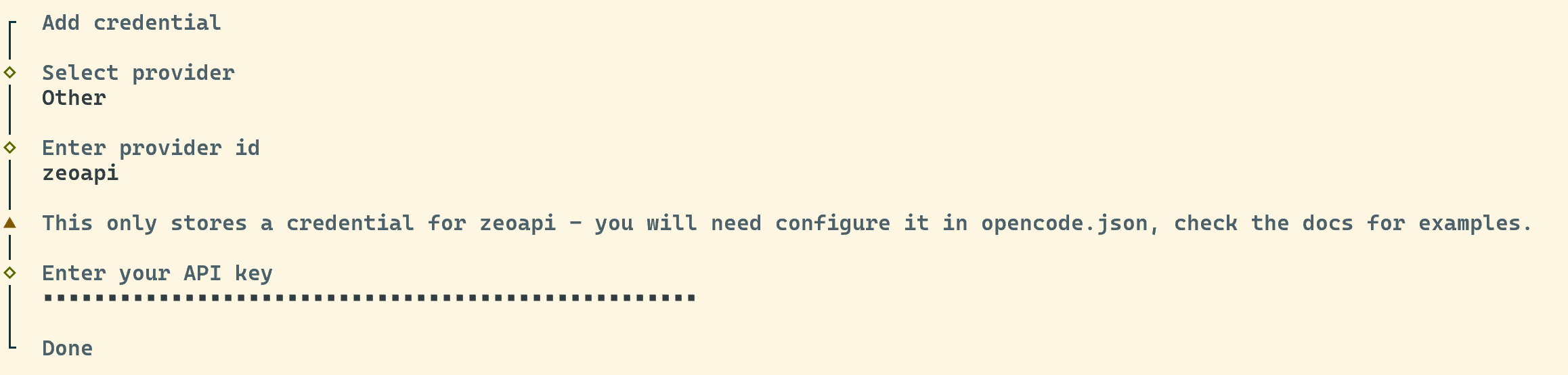
设定提供商名称(如 zeo-api),然后输入您的 ZeoAPI API Key。
配置模型列表
内置认证完成后,还需编辑配置文件添加模型信息。打开 ~/.config/opencode/opencode.json,在刚才创建的 provider 下补充 models 字段:
{
  "$schema": "https://opencode.ai/config.json",
  "provider": {
    "zeo-api": {
      "npm": "@ai-sdk/openai-compatible",
      "name": "Zeo",
      "options": {
        "baseURL": "https://www.zeoapi.com/v1",
        "apiKey": "你的zeoapi密钥"
      },
      "models": {
        "gemini-3.1-pro-high": {
          "name": "Gemini-3.1-pro-high"
        },
        "claude-opus-4-6-thinking": {
          "name": "Claude-Opus-4.6-thinking"
        },
        "claude-sonnet-4-6-thinking": {
          "name": "Claude-Sonnet-4.6-thinking"
        },
        "gpt-5.3-codex": {
          "name": "GPT-5.3-codex-high"
        }
      }
    }
  }
}
TIP
以上仅列出部分常用模型,完整模型列表请参考「手动编辑配置文件」标签页中的配置示例。
开始使用
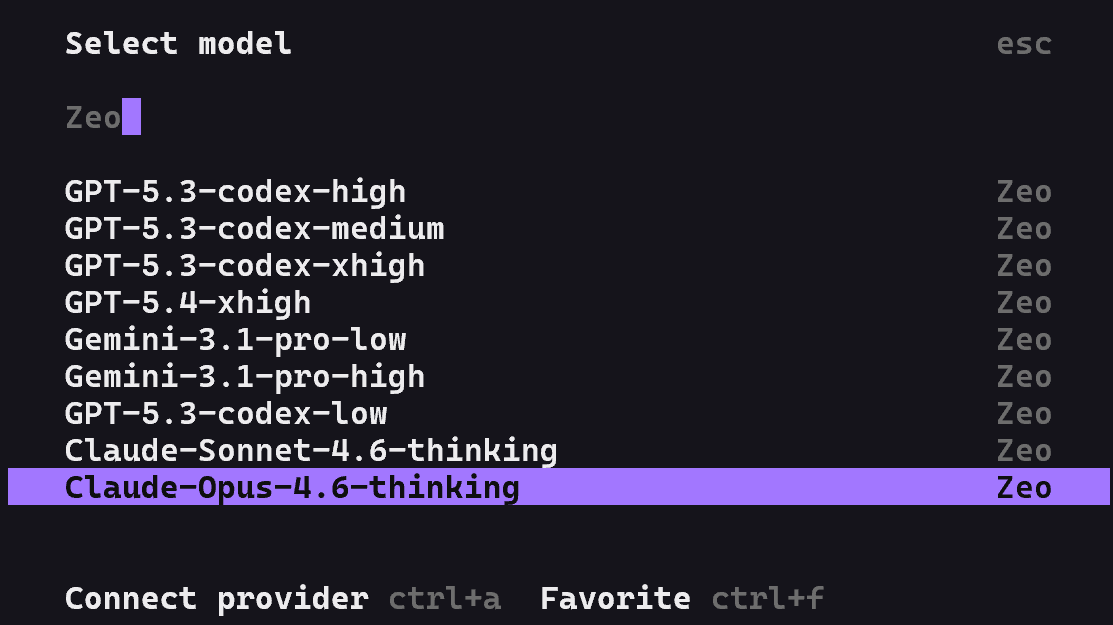
回到命令行界面,输入 opencode 启动后,输入 /models 即可看到已配置的模型列表并开始使用。
编辑配置文件
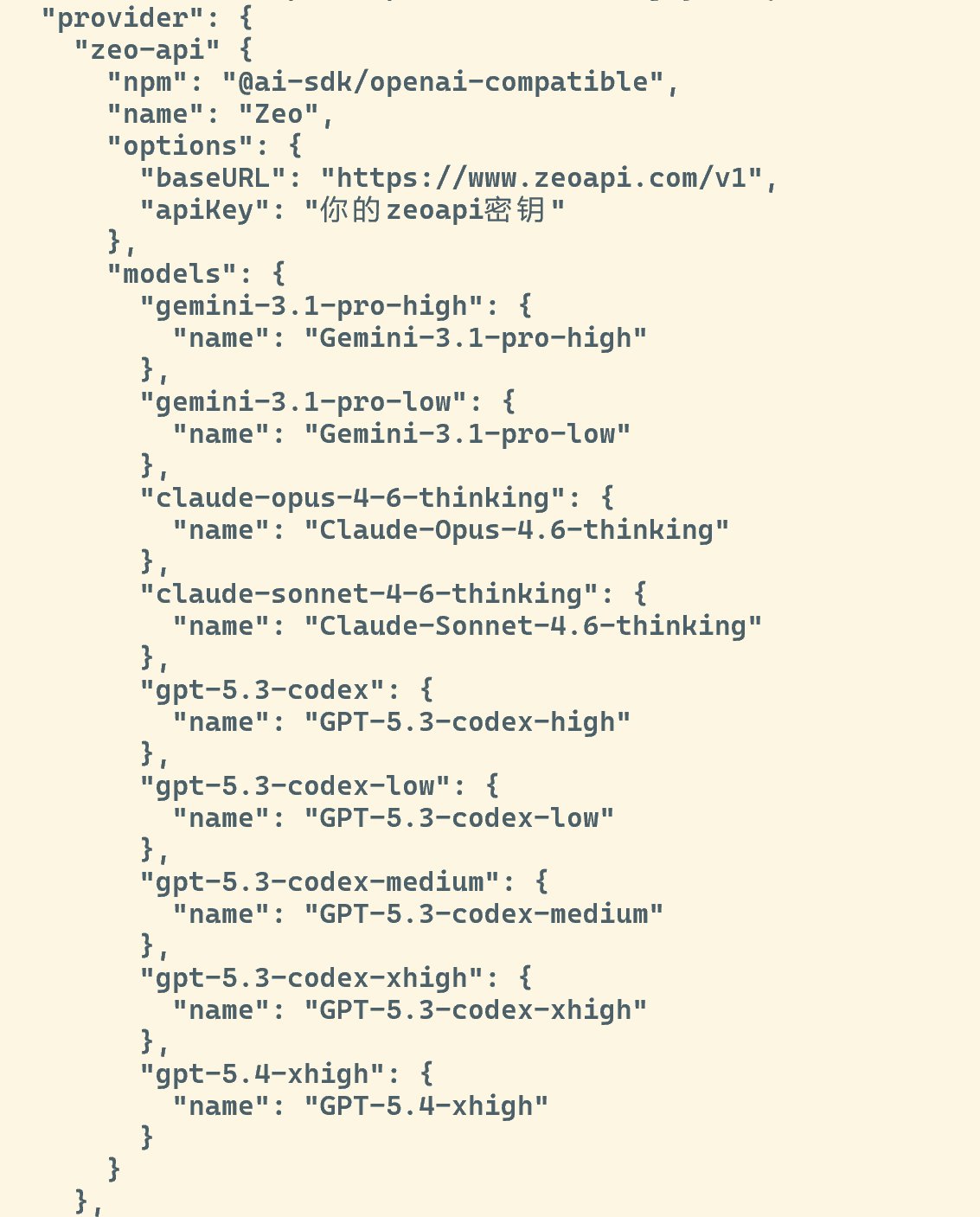
编辑 OpenCode 的配置文件,路径为 ~/.config/opencode/opencode.json,将以下配置添加到配置文件中:
{
  "$schema": "https://opencode.ai/config.json",
  "provider": {
    "zeo-api": {
      "npm": "@ai-sdk/openai-compatible",
      "name": "Zeo",
      "options": {
        "baseURL": "https://www.zeoapi.com/v1",
        "apiKey": "你的zeoapi密钥"
      },
      "models": {
        "gemini-3.1-pro-high": {
          "name": "Gemini-3.1-pro-high"
        },
        "gemini-3.1-pro-low": {
          "name": "Gemini-3.1-pro-low"
        },
        "claude-opus-4-6-thinking": {
          "name": "Claude-Opus-4.6-thinking"
        },
        "claude-sonnet-4-6-thinking": {
          "name": "Claude-Sonnet-4.6-thinking"
        },
        "gpt-5.3-codex": {
          "name": "GPT-5.3-codex-high"
        },
        "gpt-5.3-codex-low": {
          "name": "GPT-5.3-codex-low"
        },
        "gpt-5.3-codex-medium": {
          "name": "GPT-5.3-codex-medium"
        },
        "gpt-5.3-codex-xhigh": {
          "name": "GPT-5.3-codex-xhigh"
        },
        "gpt-5.4-xhigh": {
          "name": "GPT-5.4-xhigh"
        }
      }
    }
  }
}
启动 OpenCode
进入项目目录,启动 opencode:
cd /path/to/your/project

opencode
选择模型
启动后输入 /models,可以看到已配置的模型列表,选择要使用的模型即可开始编程。